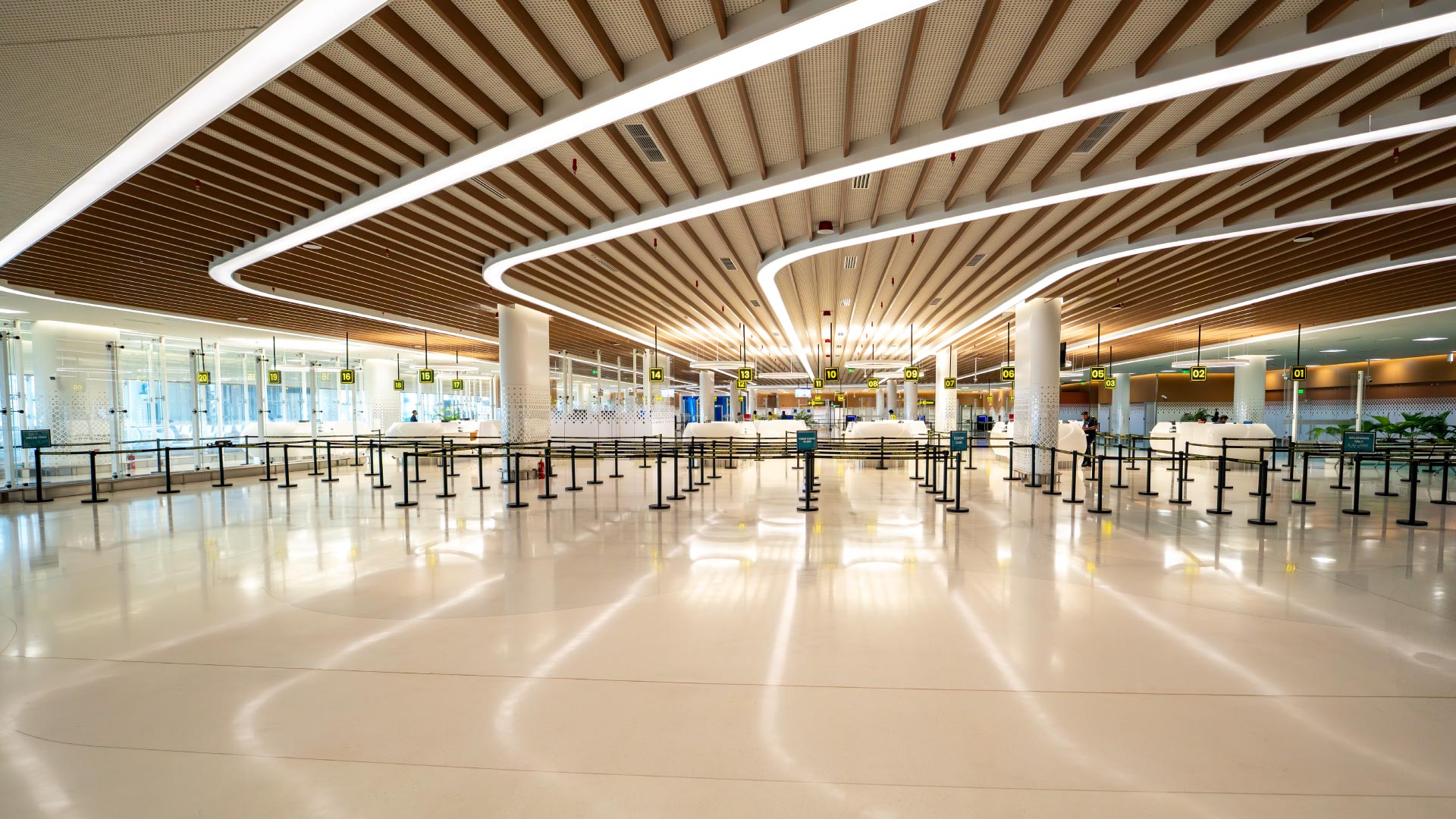
Departing from VIA
Smooth departures start here. Check-in procedures, security guidelines, and boarding information.
Overview
Smooth departures start here. Check-in procedures, security guidelines, and boarding information. We are dedicated to ensuring your journey through Velana International Airport is as seamless and comfortable as possible.
Check-in Procedure
This step-by-step guide will help you enjoy a smooth, hassle-free check-in.
Most airline check-in counters open at least two hours before your flight, and some also offer early and online check-in. We encourage you to check in at least two hours before your departure time.
Ensure that you have prepared all pre-departure documents for verification. You should also check against the requirements of the airline that you are travelling with for any specific document requirements.
Travellers Declaration
All travelers entering or leaving Maldives are kindly asked to complete and submit the Traveller Declaration electronically via IMUGA at least 96 hours before their flight.
Tips for a smooth check-in:

Pack all your luggage, including your hand-carried luggage, according to security guidelines.
Do remember to check in any liquids, aerosols or gels which are in containers larger than 100ml. You should also keep portable chargers in your hand-carried luggage instead of checking them in.
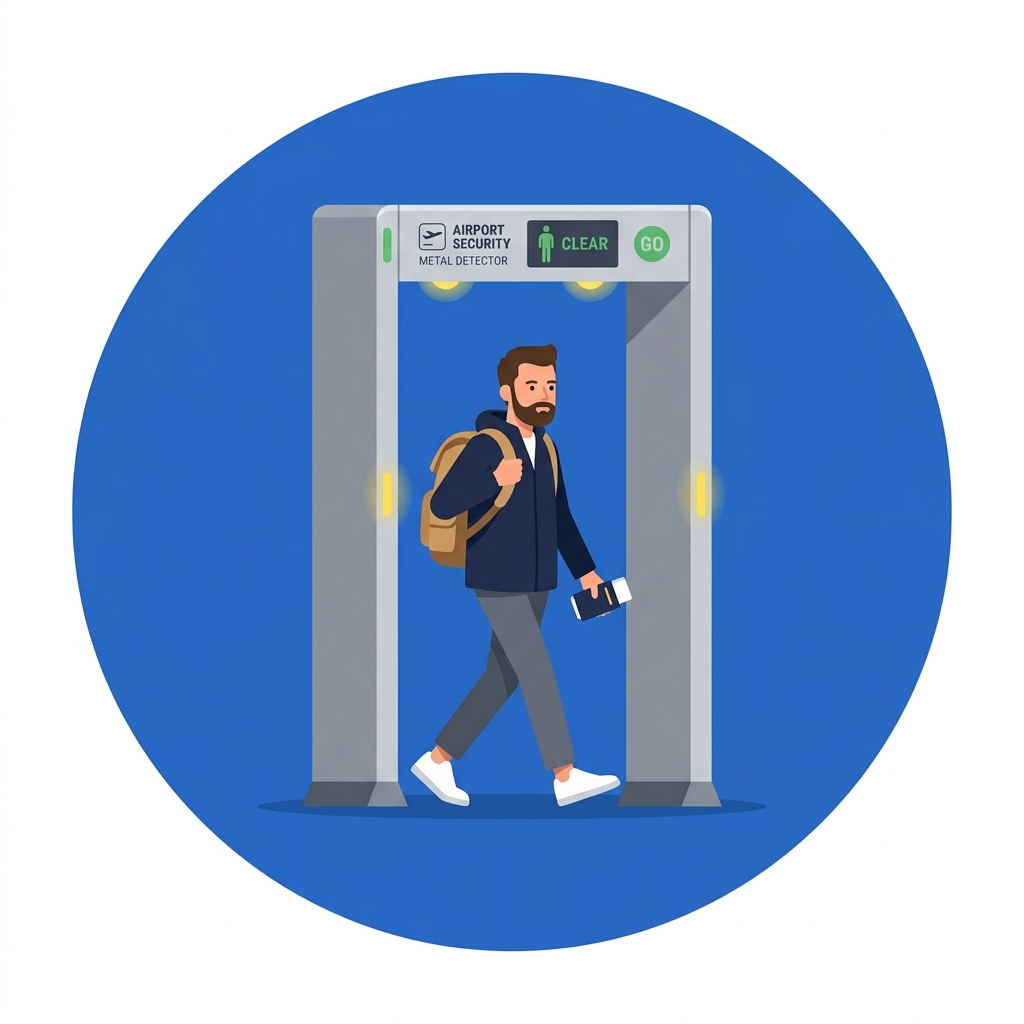
Show travel documents
Before you enter Departure Terminal, you will be requested show travel documents (Passport, Ticket). So please ensure those documents are in an easy to reach.
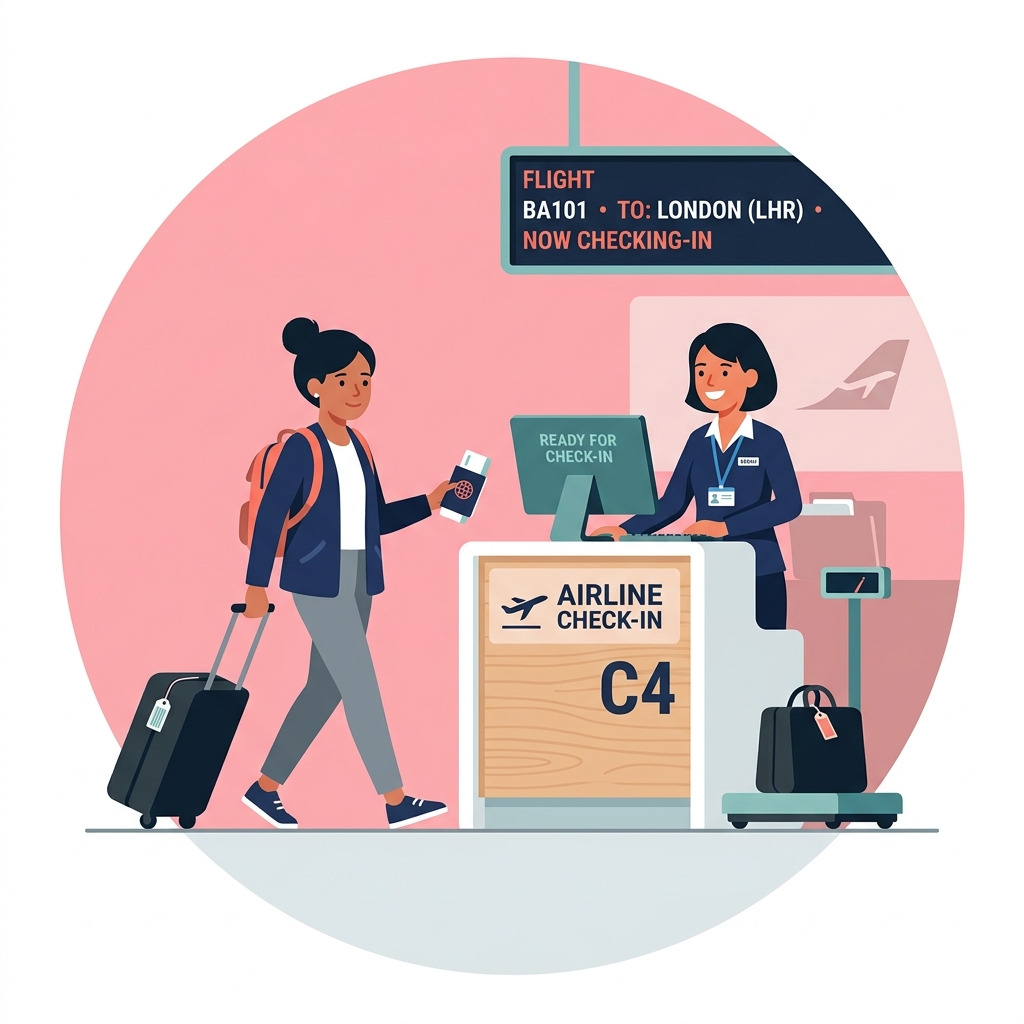
Approach to check-in counter
Next, approach the check-in counter with your travel documents-valid passport, air ticket or booking confirmation, and visa (if applicable).
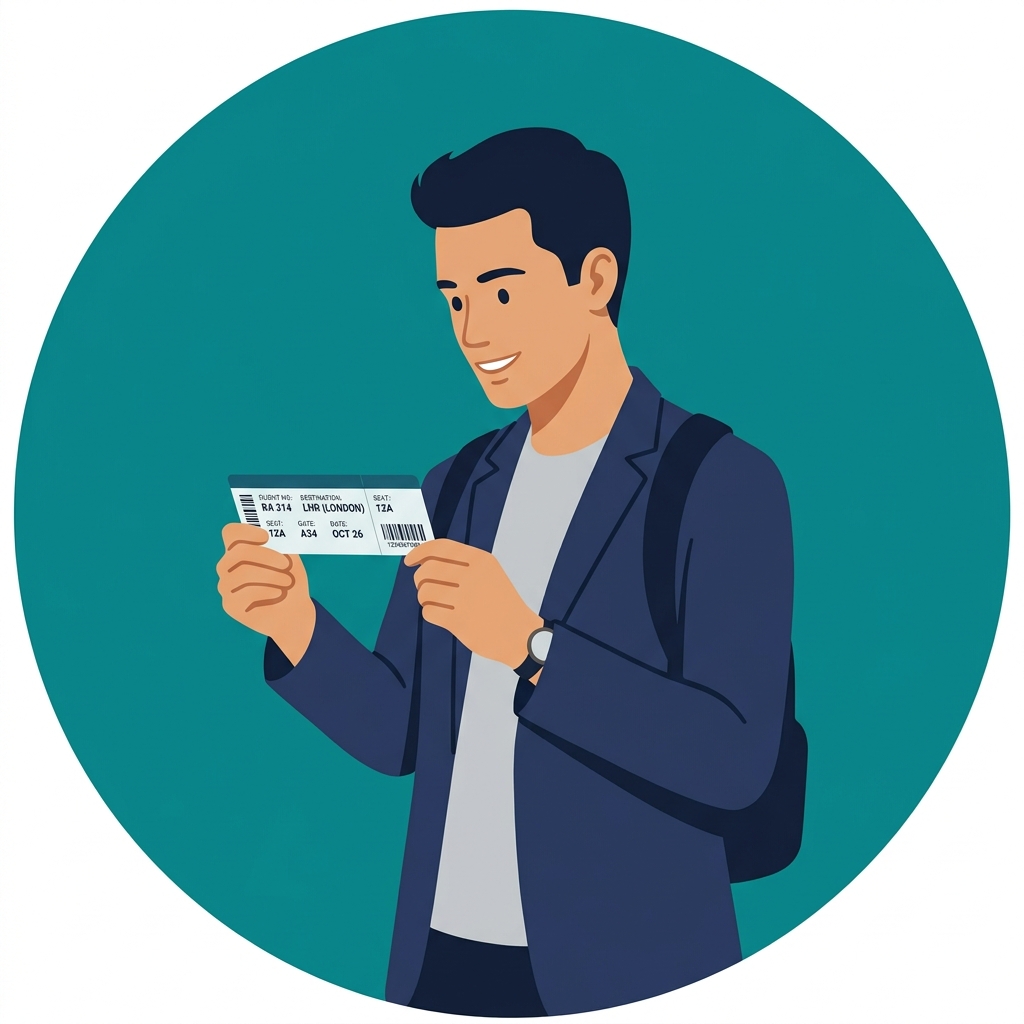
Check your boarding pass
Before leaving the check-in counter, make sure you've been issued the correct boarding pass(es) and that your travel documents are in order.
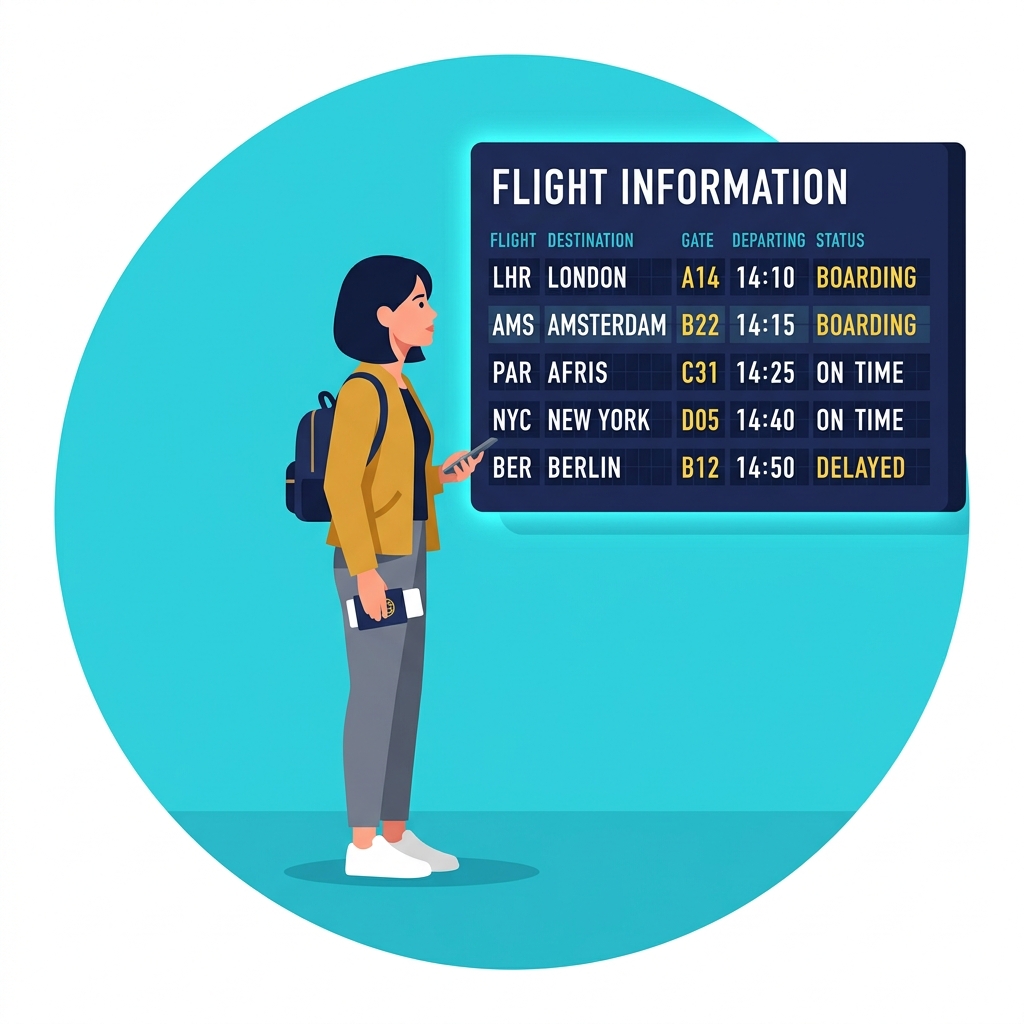
Check Display Screens for updates
Check the Flight Information Display Screens for updates of your flight and boarding gate.
Security & Immigration
Automated Passport Check
Automated Passport Check is only available for Maldivian Passport holders who own an Electronic Passport. These passport holders can go through a self-service, automated passport check system, which helps them clear through the passport checking process quickly.
Fast Track
If you are a priority passenger (First Class, Business Class, and Priority cards), you will be given a FastTrack card on board which you can use to clear through Immigration on a dedicated queue for all FastTrack card holders.
Follow the steps below for a hassle-free experience:
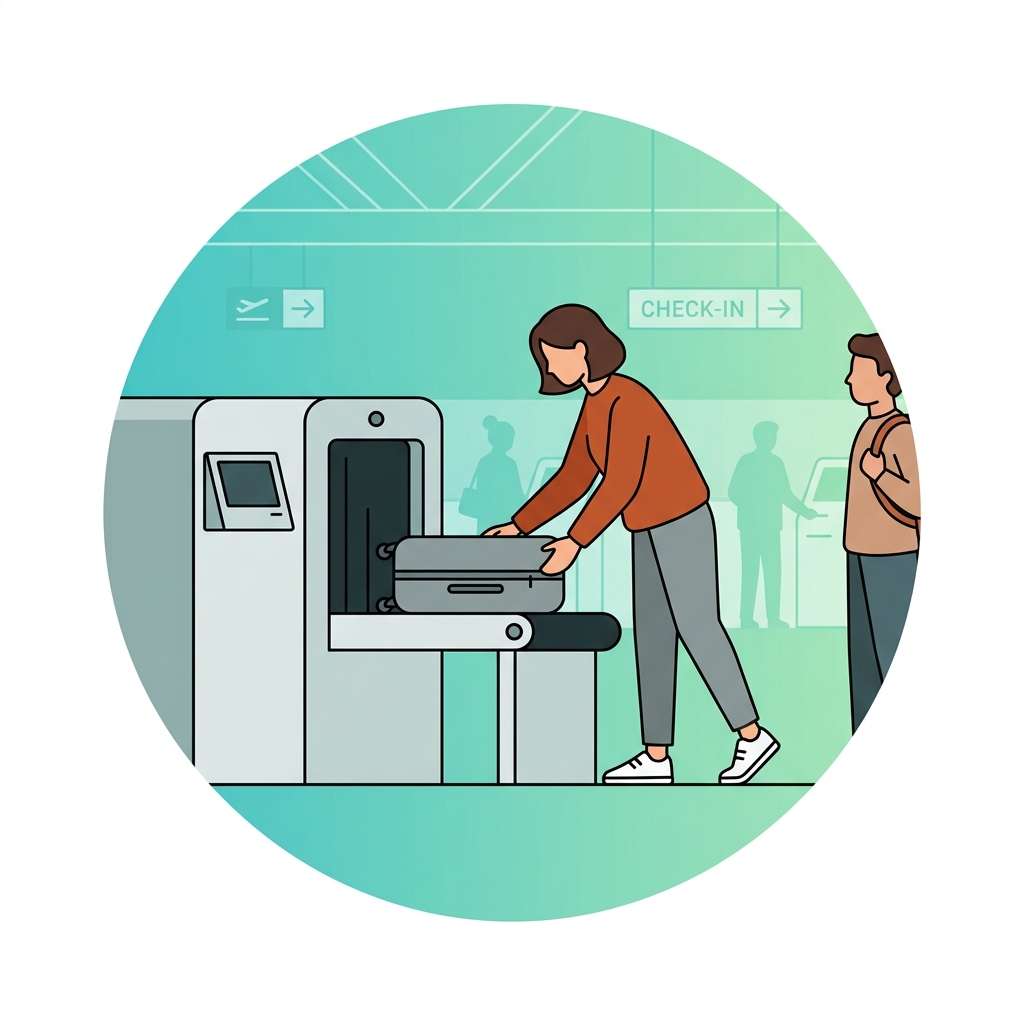
Screen your luggage upon entry
Screen your luggage upon entry. Liquids, aerosols or gels which are in containers larger than 100ml are not permitted in hand luggage. Therefore, ensure those are packed in your baggage before your drop-off your baggage.
Prepare documents for inspection
Prepare your passport and boarding pass for inspection once you reach the Immigration counters.
Prepare for security check
Shop, Grab and enjoy departure facilities
If everything is in order, say your farewells and proceed to the Departure Hall. Now's the time to shop, grab a bite and enjoy the departure facilities.
Departing from VIA
Overview
Smooth departures start here. Check-in procedures, security guidelines, and boarding information.
Check-in Procedure
This step-by-step guide will help you enjoy a smooth, hassle-free check-in.
Most airline check-in counters open at least two hours before your flight, and some also offer early and online check-in. We encourage you to check in at least two hours before your departure time.
Ensure that you have prepared all pre-departure documents for verification. You should also check against the requirements of the airline that you are travelling with for any specific document requirements.
Travellers Declaration
All travelers entering or leaving Maldives are kindly asked to complete and submit the Traveller Declaration electronically via IMUGA at least 96 hours before their flight.
Tips for a smooth check-in
Pack all your luggage, including your hand-carried luggage, according to security guidelines.
Do remember to check in any liquids, aerosols or gels which are in containers larger than 100ml. You should also keep portable chargers in your hand-carried luggage instead of checking them in.
Show travel documents
Before you enter Departure Terminal, you will be requested show travel documents (Passport, Ticket). So please ensure those documents are in an easy to reach.
Approach to check-in counter
Next, approach the check-in counter with your travel documents-valid passport, air ticket or booking confirmation, and visa (if applicable).
Check your boarding pass
Before leaving the check-in counter, make sure you've been issued the correct boarding pass(es) and that your travel documents are in order.
Check Display Screens for updates
Check the Flight Information Display Screens for updates of your flight and boarding gate.
Security & Immigration
Automated Passport Check
Automated Passport Check is only available for Maldivian Passport holders who own an Electronic Passport.
Fast Track
If you are a priority passenger (First Class, Business Class, and Priority cards), use the dedicated FastTrack queue.
Security Screening
Screen your luggage upon entry
Screen your luggage upon entry. Liquids, aerosols or gels which are in containers larger than 100ml are not permitted in hand luggage. Therefore, ensure those are packed in your baggage before your drop-off your baggage.
Prepare documents for inspection
Prepare your passport and boarding pass for inspection once you reach the Immigration counters.
Prepare for security check
Shop, Grab and enjoy departure facilities
If everything is in order, say your farewells and proceed to the Departure Hall. Now's the time to shop, grab a bite and enjoy the departure facilities.